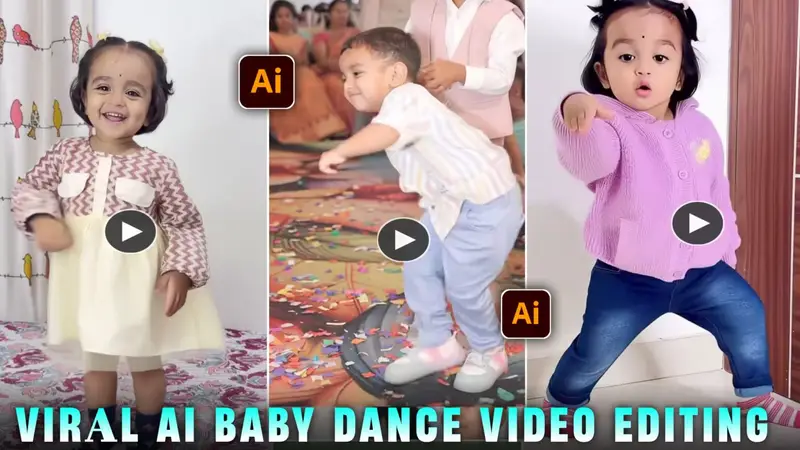
Trending AI Baby Dance Video Editing | Apk baby
AI video editing is becoming extremely popular on social media, and right now AI baby dance videos are trending massively on Instagram and Reels. These videos look so realistic that viewers are often shocked to see how perfectly a baby dances to the music. In this blog, I’ll explain how you can easily create a viral AI baby dance video for free, step by step.
What Is Trending AI Baby Dance Video Editing?
Currently, AI baby dance videos are everywhere on Instagram. In this trend, you simply upload a clear photo of a baby or small child, and AI technology turns it into a realistic dancing video. The baby dances perfectly to the beat, with natural movements and joyful expressions, making the video look almost real.
Because everyone loves children, these videos get high engagement, likes, shares, and views, which increases the chances of going viral.
Why AI Baby Dance Videos Go Viral So Fast
AI baby dance videos are going viral because:
- The trend is currently hot on Instagram
- Children’s content attracts universal attention
- The dance moves sync perfectly with music
- The video looks realistic and entertaining
If you want your reel or video to go viral, this is the best time to use this trend. Delaying may reduce your chances because trends fade quickly.
Requirements to Create AI Baby Dance Video
Before starting, you’ll need:
- One dance video clip
- One clear photo of a baby or child
- Access to Kling AI
- A proper AI prompt
AI Baby Dance Video Prompt
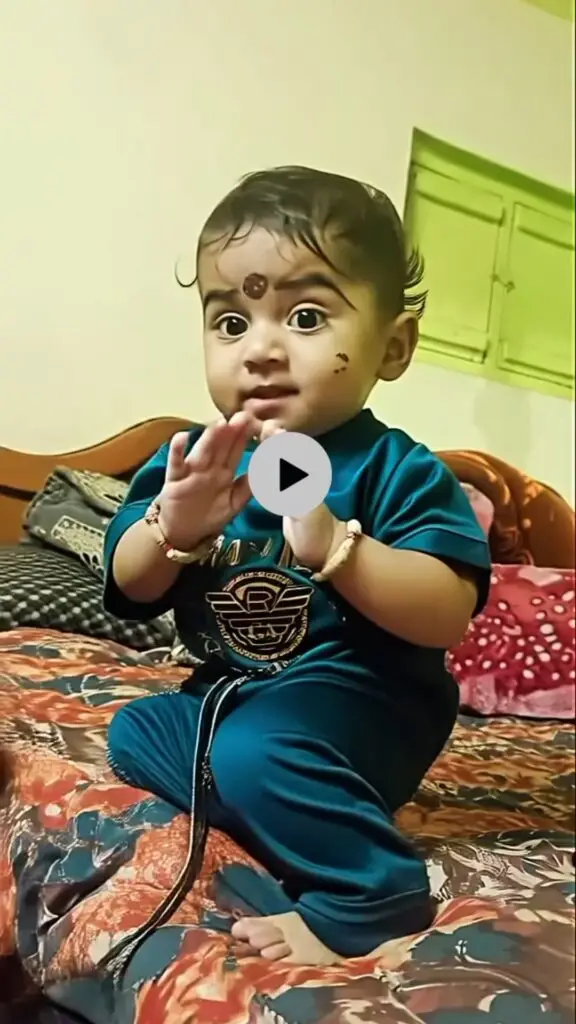
You can use the following prompt to generate realistic results:
A cute baby dancing exactly to the rhythm of the provided song, precise beat synchronization, joyful baby expressions, smooth natural movements, no exaggeration, realistic body motion, high resolution, social media reel style.
This prompt helps the AI understand how the baby should move and react in the video.
Step-by-Step: How to Create AI Baby Dance Video
Follow these steps carefully:
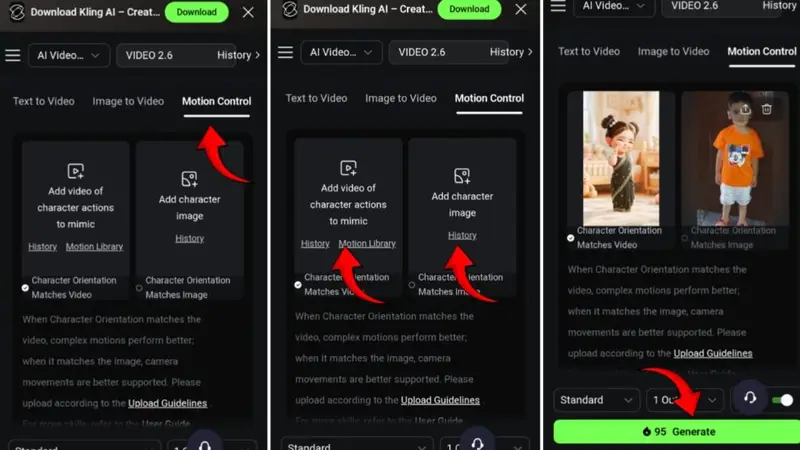
- First, click on the Create Video button
- In the first section, add the dance video clip
- In the second section, upload the child’s photo
- Paste the AI prompt
- Click on Generate and wait a few seconds
- Once the video is ready, click on the three dots to download it
Your AI baby dance video will be ready to upload on Instagram or Reels.
How to Sign In on the Kling AI Website
To create AI baby dance videos, you need to sign up on the Kling AI website.
Sign-Up Process:
- Open the Kling AI homepage
- Sign in using any Google account
- Currently, there is no login option via Facebook or Apple ID
After logging in:
- Select Video 2.6 Turbo
- Then choose Video 2.5 Turbo
- Upload your two images (dance clip + baby photo)
- Paste the prompt and generate the video
Tips to Make Your Video Viral
- Use trending music
- Upload the video as a Reel
- Post at peak Instagram hours
- Use relevant hashtags
- Don’t delay—use the trend immediately
Conclusion
In this article, I’ve explained everything step by step—how to get the prompt, how to upload images, and how to generate the AI baby dance video. If you carefully follow the steps, you’ll easily create a realistic and viral video.
If you still face any issues, don’t worry. You can check out:
- Instagram:
apkbaby01 - YouTube:
Apk Baby Editor
Watch the trending AI child dance editing videos there and follow along. Start creating now and go viral with AI baby dance videos 🚀
