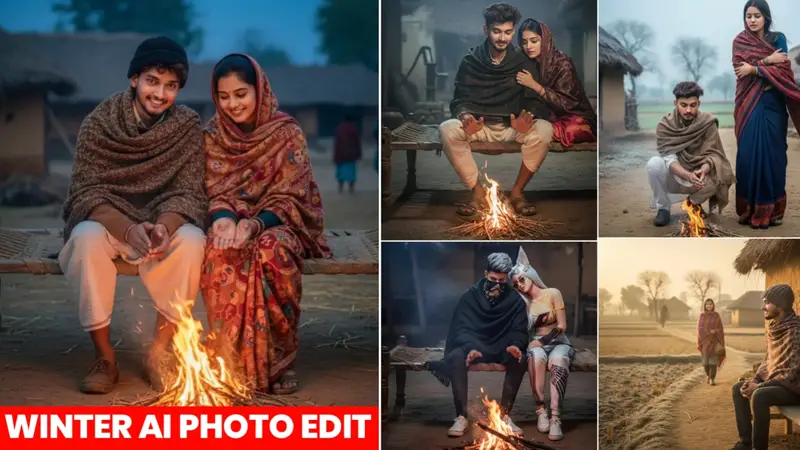
Google Gemini Winter Season AI Photo Editing Prompts – 2026
Winter season photo edits are trending massively on Instagram, and AI-generated images are getting thousands of likes and shares. Just like summer pool photos or rainy season reels, winter-themed images—bonfires, shawls, foggy mornings, and village vibes—are going viral right now.
With Google Gemini AI, you can create realistic winter season photos without expensive cameras, studio lighting, or professional photographers. In this blog, you’ll learn everything step by step, along with ready-to-use Gemini AI winter photo editing prompts.
Why Winter Season AI Photos Are Going Viral
Whenever a new season starts, people love uploading photos that match the vibe:
- Summer → swimming pool photos
- Rainy season → enjoying rain
- Winter → sitting near fire, shawls, fog, village warmth
Winter photos especially feel cozy, emotional, and cinematic. When created using AI, they look highly realistic and instantly grab attention on social media.
Google Gemini Winter Season AI Photo Editing Overview
Creating real winter photos can be expensive. You may need:
- A DSLR camera
- Studio lighting
- Professional photographer
- Outdoor locations
But with Google Gemini AI, you can generate:
- Hyper-realistic images
- Traditional village winter scenes
- Cinematic lighting effects
- Natural skin texture and facial details
All you need is a selfie photo and the right prompt.
Best Google Gemini Winter Season AI Photo Editing Prompts
Below are some ready-to-copy prompts you can use directly in Google Gemini.
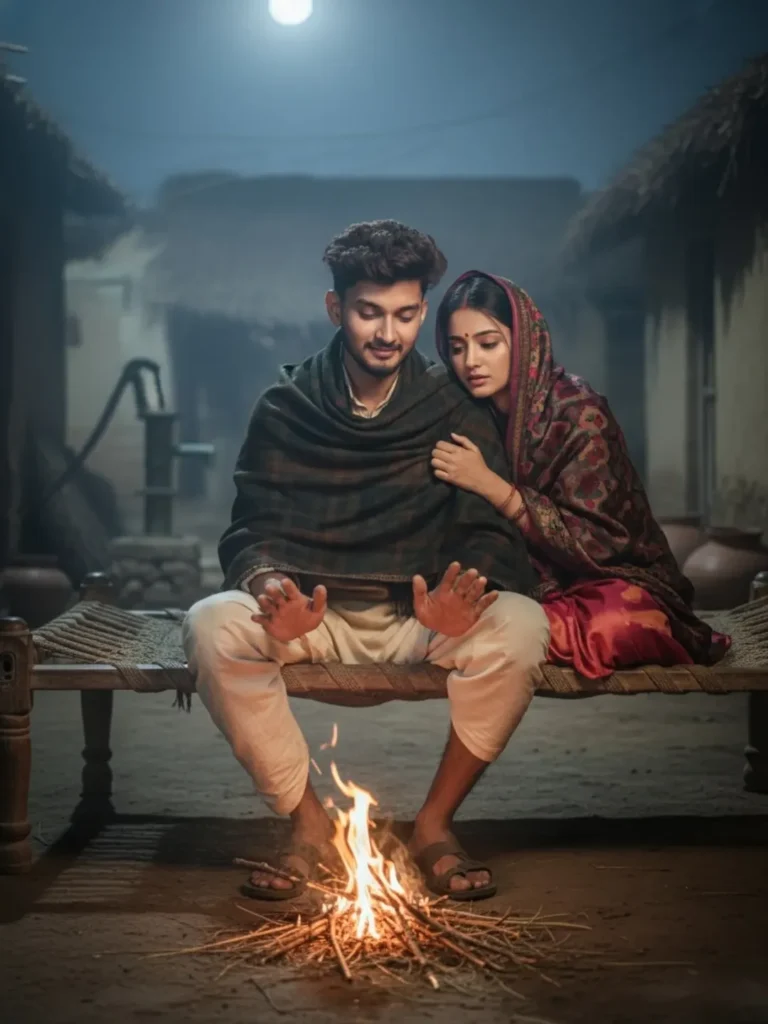
Prompt 1: Romantic Village Bonfire Scene
A hyper-realistic, cinematic photo of a young Indian couple sitting on a wooden charpai at night in a dimly lit village setting. The man wears a cream kurta-pyjama with a dark woolen shawl, warming his hands near a small bonfire. The woman rests her head on his shoulder, wrapped in a maroon patterned shawl. Warm firelight contrasts with cool moonlight from a full moon above. Shallow depth of field, traditional, romantic mood, high detail.
Prompt 2: Winter Morning Village Love Scene
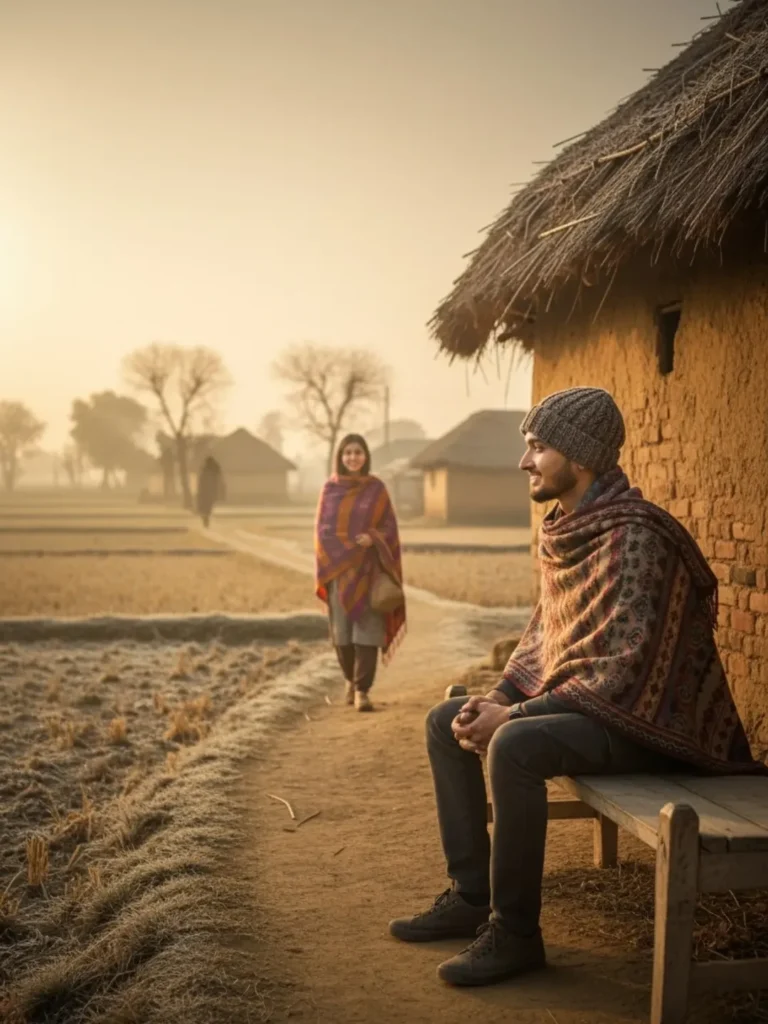
A young man wearing a village shirt, pants, winter cap, and shawl sits near a hut built in the middle of fields. He looks toward a young beautiful woman approaching from the background, wrapped in a shawl. It is a cold winter morning with fog, and the entire village is visible. Side-angle shot, completely realistic.
Prompt 3: Campfire Cinematic Winter Edit
A young man and woman sitting on a wooden bench near a campfire. The man wears a patterned shawl and black pants with a bandana. The woman wears a white turtleneck sweater and patterned pants, hair in pigtails. Traditional huts in the background with a warm sunset glow. Cinematic lighting and realistic textures.
Prompt 4: Rural Bonfire Emotional Scene
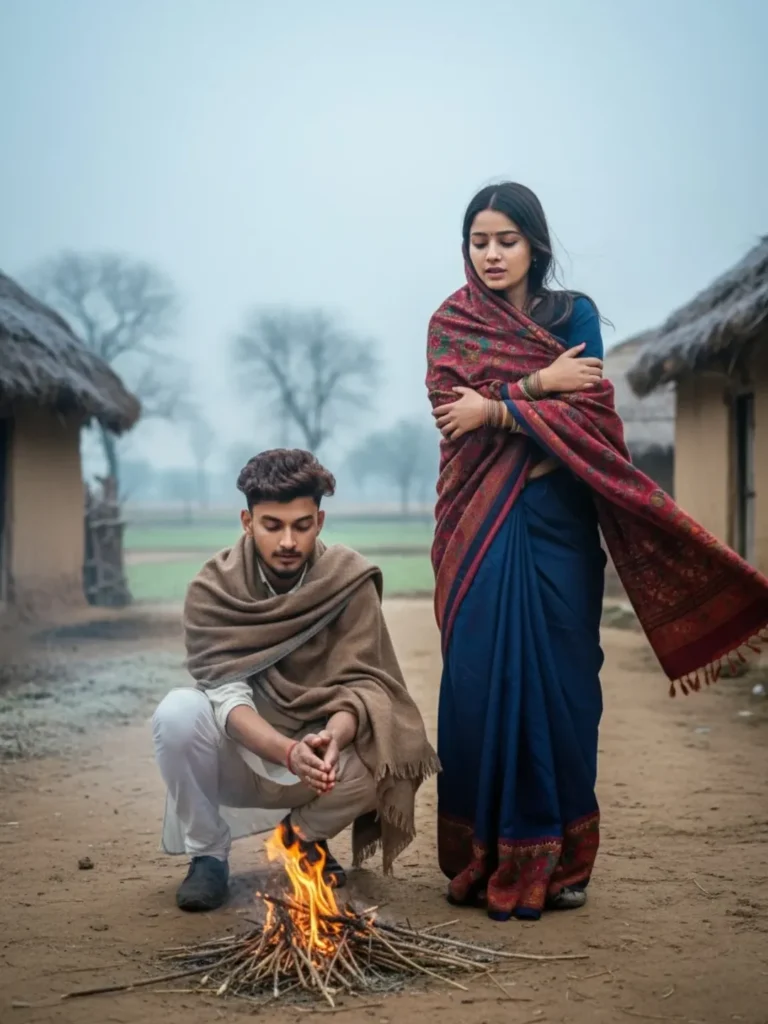
A young Indian couple near a small bonfire in a rural village. The man crouches by the fire while the woman stands beside him wrapped in a shawl. Mud huts, bare trees, foggy winter atmosphere, realistic expressions and lighting.
Prompt 5: Ultra-Realistic Winter Morning Edit
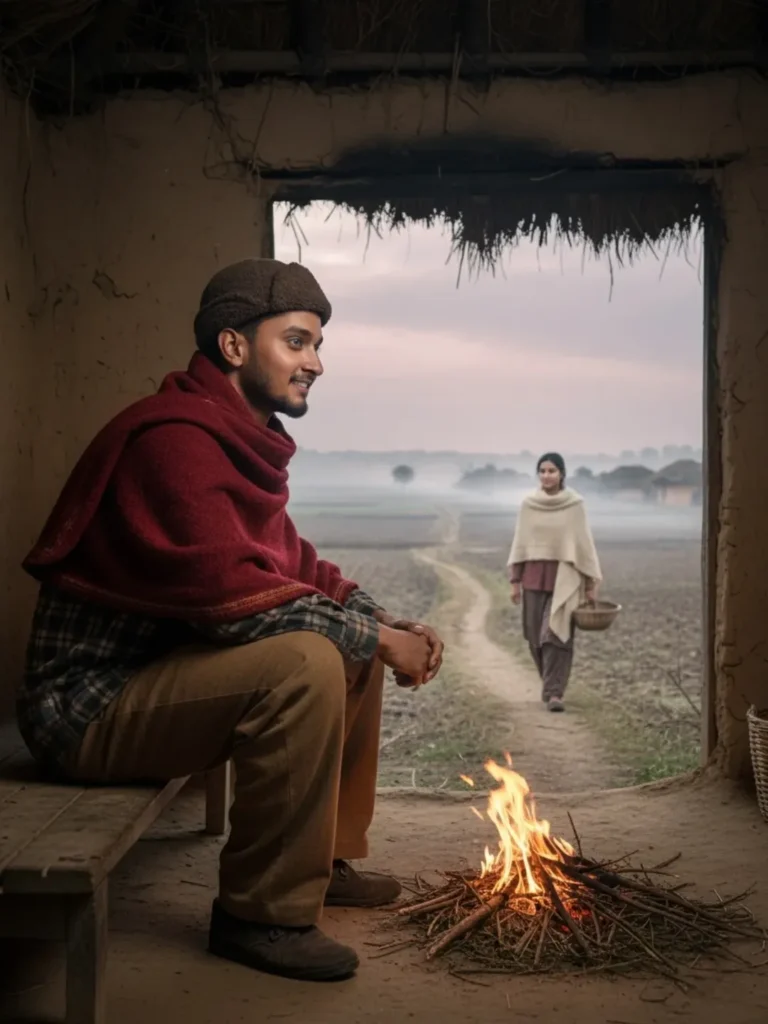
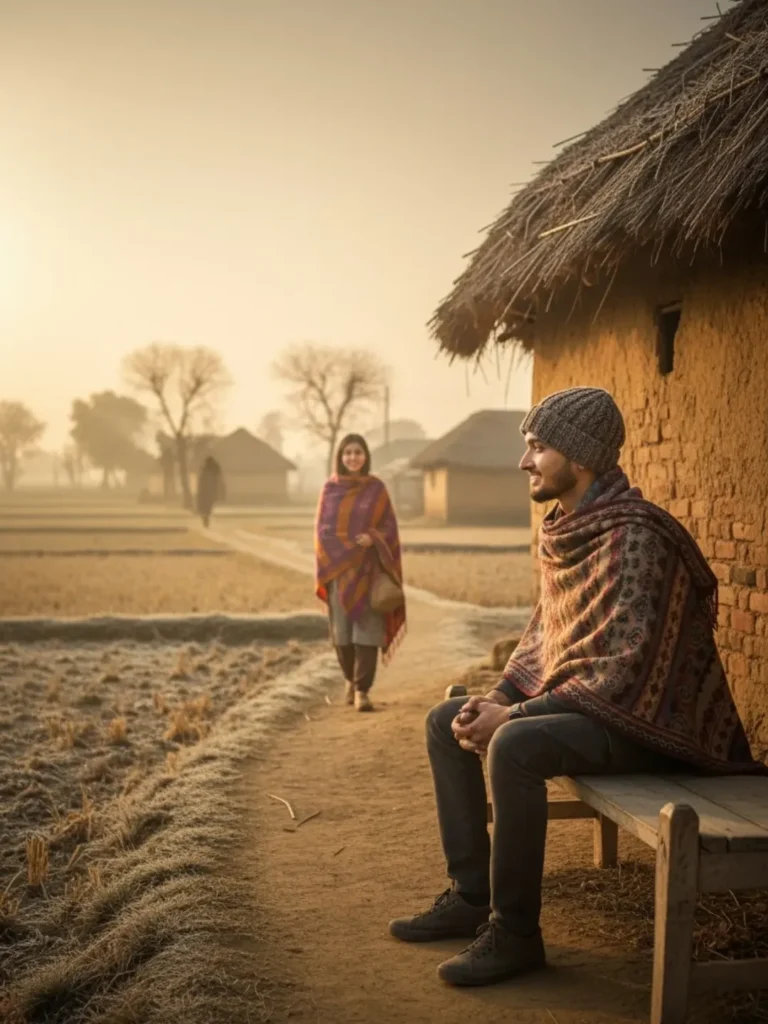
A young man in village attire with a winter cap and shawl sits near a fire made of dry grass outside a hut in open fields. He looks at a woman walking toward him wearing a shawl. Cold winter morning, full village visible, side-angle shot, perfectly detailed face and lifelike skin texture.
How to Create Winter AI Images Using Google Gemini
Follow these simple steps carefully:
- Open Google Gemini
- Click on Create Image
- Login with your Google account
- Tap the plus (+) icon and upload your selfie photo
- Copy any winter prompt from above
- Paste it into the prompt box
- Click Send
- Wait a few seconds for image generation
- Download your final image
Your winter season AI photo is now ready to upload on Instagram 🚀
How to Select the Best Photo for Perfect Results
To get 100% face matching, keep these tips in mind:
- Always use a clear selfie photo
- Avoid group photos
- Face should be well-lit
- No heavy filters or blur
- If creating couple photos, upload both selfies
AI understands selfies much better, which results in:
- Accurate face structure
- Natural skin texture
- Realistic expressions
If you don’t want your face to change, selfies are mandatory.
Conclusion
In this blog, you learned:
- Why winter season AI photos go viral
- How Google Gemini helps in photo editing
- Best winter season AI photo prompts
- Step-by-step image creation process
- How to choose the right photo
If you follow all the steps properly, you can easily create viral winter season images. Don’t rush—read carefully and apply each step.
If you still face issues, you can check winter season AI photo editing reels or videos on:
- Instagram: apkbaby01
- YouTube: apk baby
Now it’s your turn—create stunning winter AI photos and go viral ❄️🔥